Extract transparent game UI layers from one screenshot.
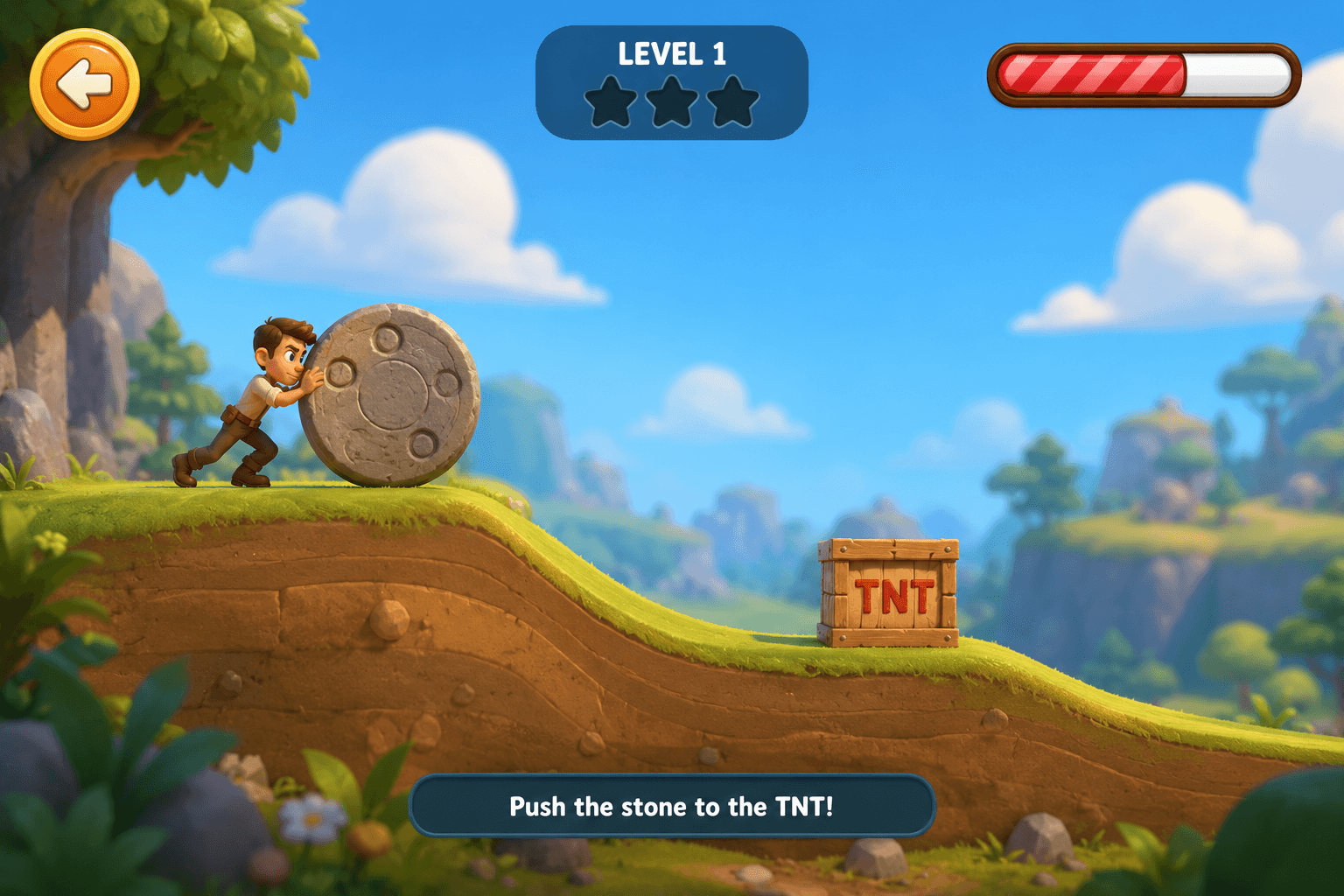



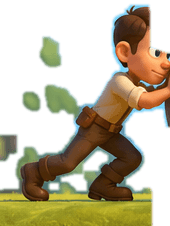
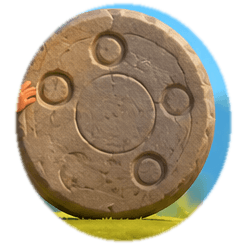
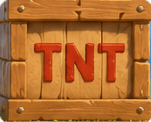

CakeSplit separates HUD pieces, buttons, characters, props, masks, and export metadata from flattened game screens.
The core move
A screenshot becomes a reviewable layer stack, not a pile of guesses.
Drop in a flat screen
Upload a screenshot, concept comp, or store-art mockup without preparing source layers first.
Inspect detected objects
CakeSplit outlines buttons, bars, badges, frames, icons, and UI fragments so you can approve the cut.
Export usable layers
Download transparent PNGs, masks, metadata, or tool-specific bundles for your production workflow.
Built for production teams
Review the cut before it enters your engine.
Automation is only useful if the output survives inspection. CakeSplit keeps the workflow visual: masks, names, edges, exports, and credits stay visible.
Explore featuresEdge-aware extraction
Matting and masks preserve small details around glows, borders, and icon silhouettes.
Layer naming
Detected pieces become organized layers instead of a folder full of mystery PNGs.
Style exploration
Generate alternate looks for a selected asset without redrawing the entire screen.
Figma component tree
Photoshop JSX script
Unity metadata ZIP
Godot PNG + JSON
Bring a real game screen.
Leave with layers.
Your first 100 credits are free. No card required for early access.
Start splitting assets